RSI Divergence Ladder
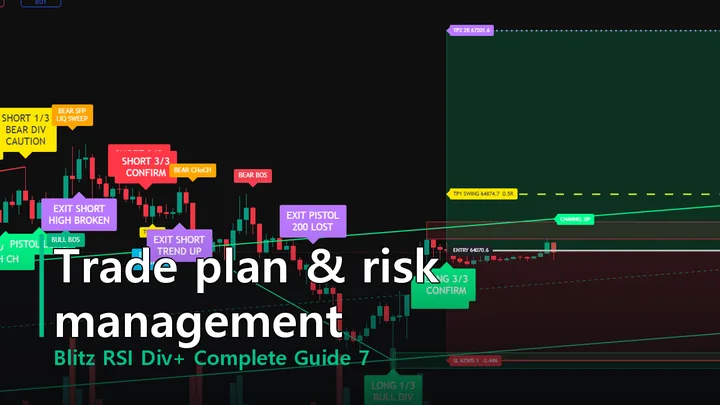
Builds a trade plan around RSI divergence, trend confirmation and execution confirmation. Shows chart context alongside entry, stop and target levels.
Visit TradingView to create an account or explore its plans. You can also use an account you already have.
Referral link: Blitz may receive a reward if an eligible new user purchases a paid TradingView plan through this link.
Using this referral link or buying a paid plan is not a condition for access to Blitz indicators.
Four tools for reading a chart, each with a different job. Explore the examples below and choose the one that fits your analysis.
The free public versions are available below. Open an indicator’s official TradingView page to use it.
No exchange sign-up, KYC or deposit is required to use these indicators.
Explore the indicatorsBuilds a trade plan around RSI divergence, trend confirmation and execution confirmation. Shows chart context alongside entry, stop and target levels.
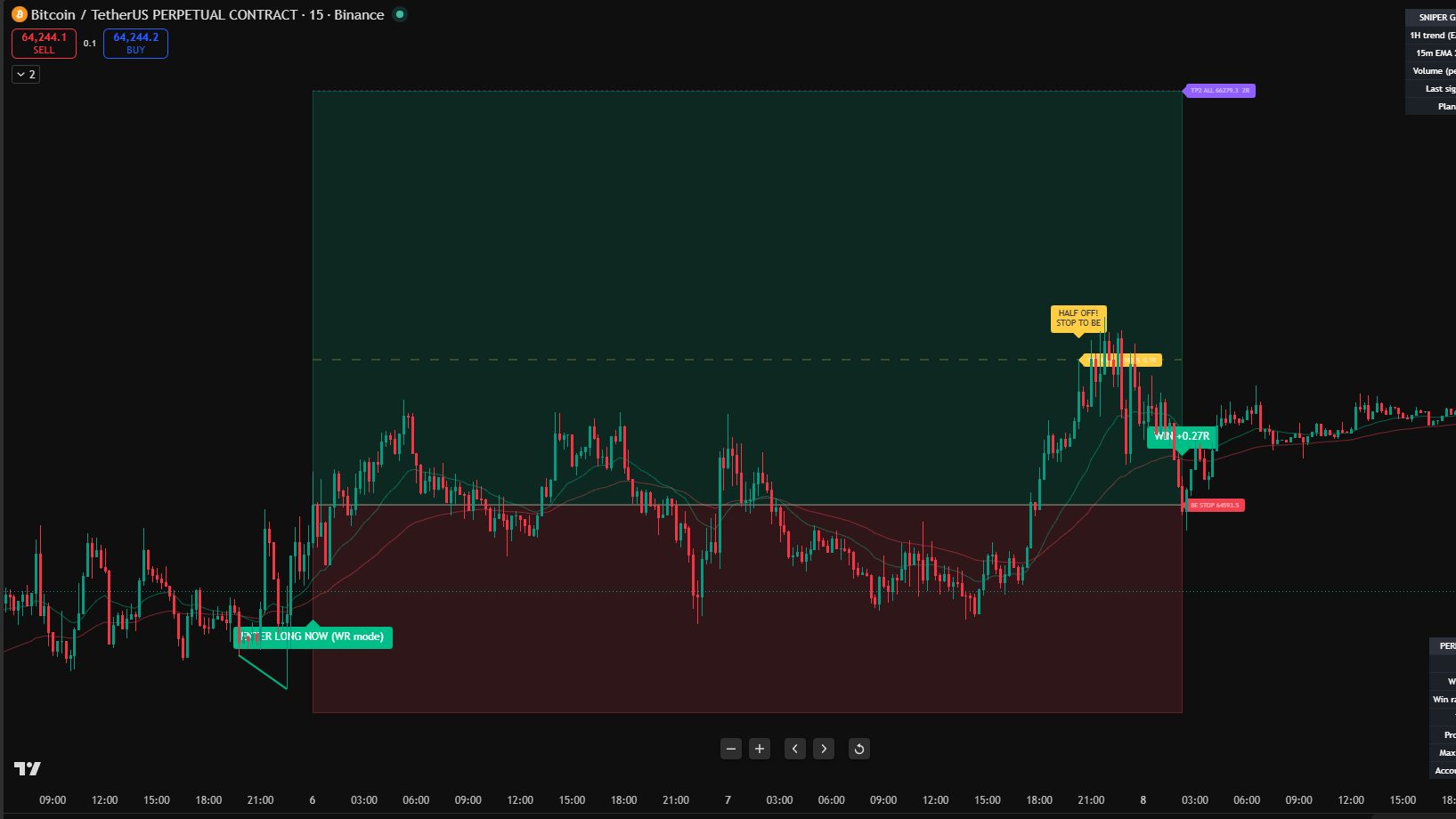
Combines RSI divergence with higher-timeframe trend, local structure and volume filters. Focuses the chart on the resulting entry, stop and target levels.
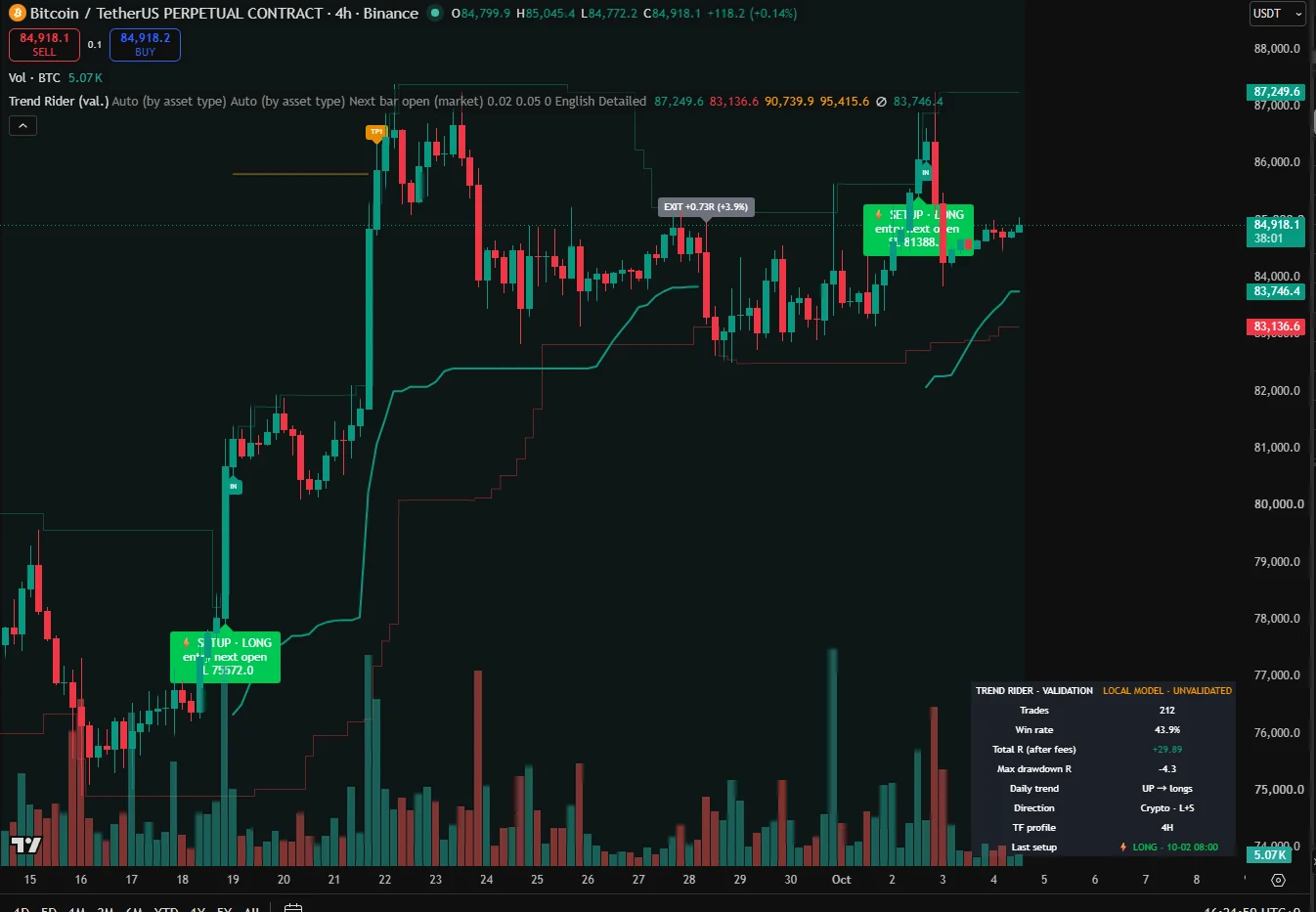
Filters breakouts with the daily trend and follows the move with a trailing stop. Read the published script’s instructions for supported markets, timeframes and settings.
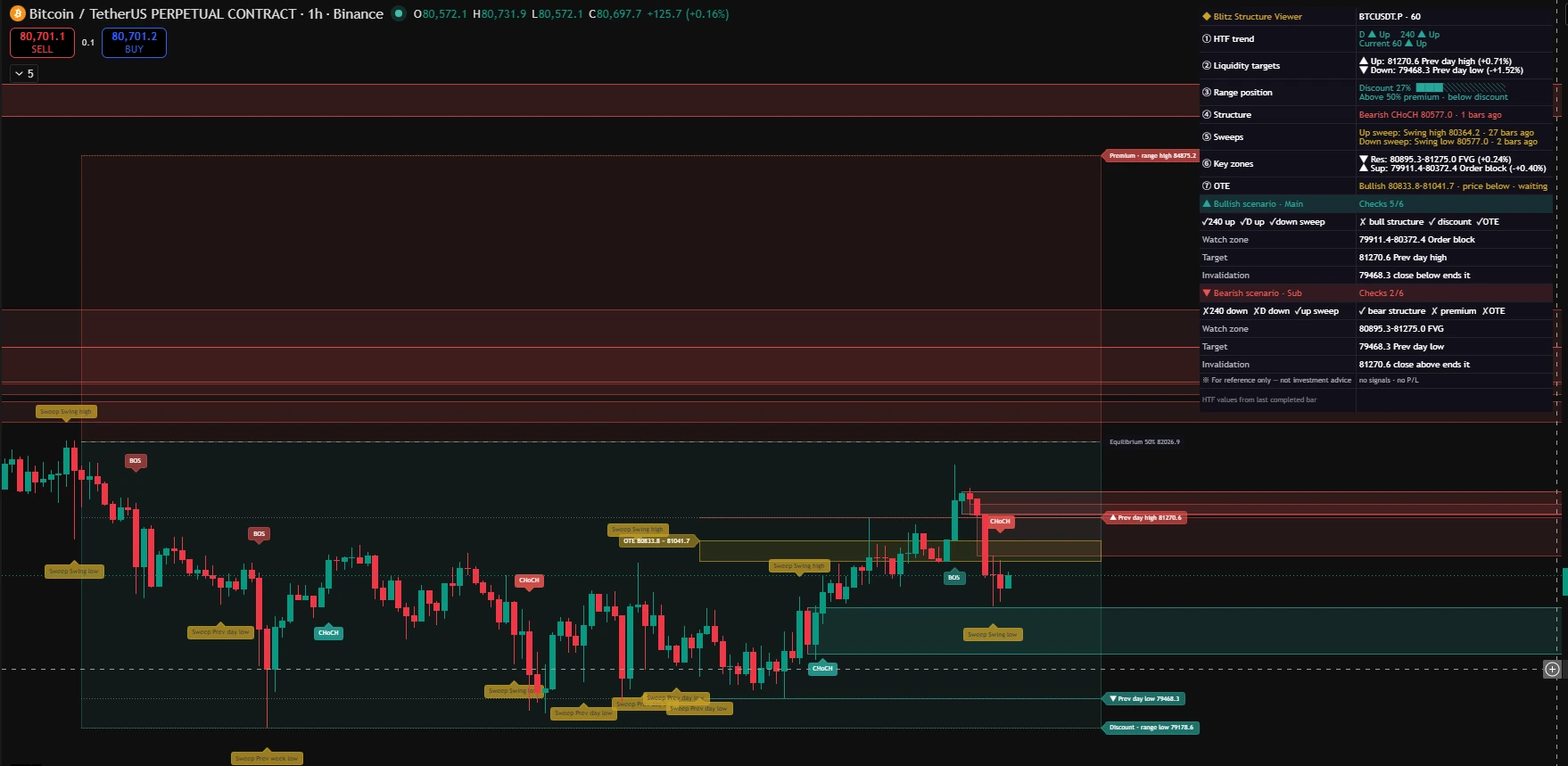
Shows market structure, nearby liquidity, order blocks and fair value gaps, with a summary table. It provides no entry signals, stop or target levels, or alerts.
Images illustrate the tools. Historical chart examples do not predict future results.
If you are also opening an exchange account, compare the cashback offers on our partner site. Each exchange has its own eligibility and payment conditions. Cashback is separate from indicator access.
Compare exchange cashback