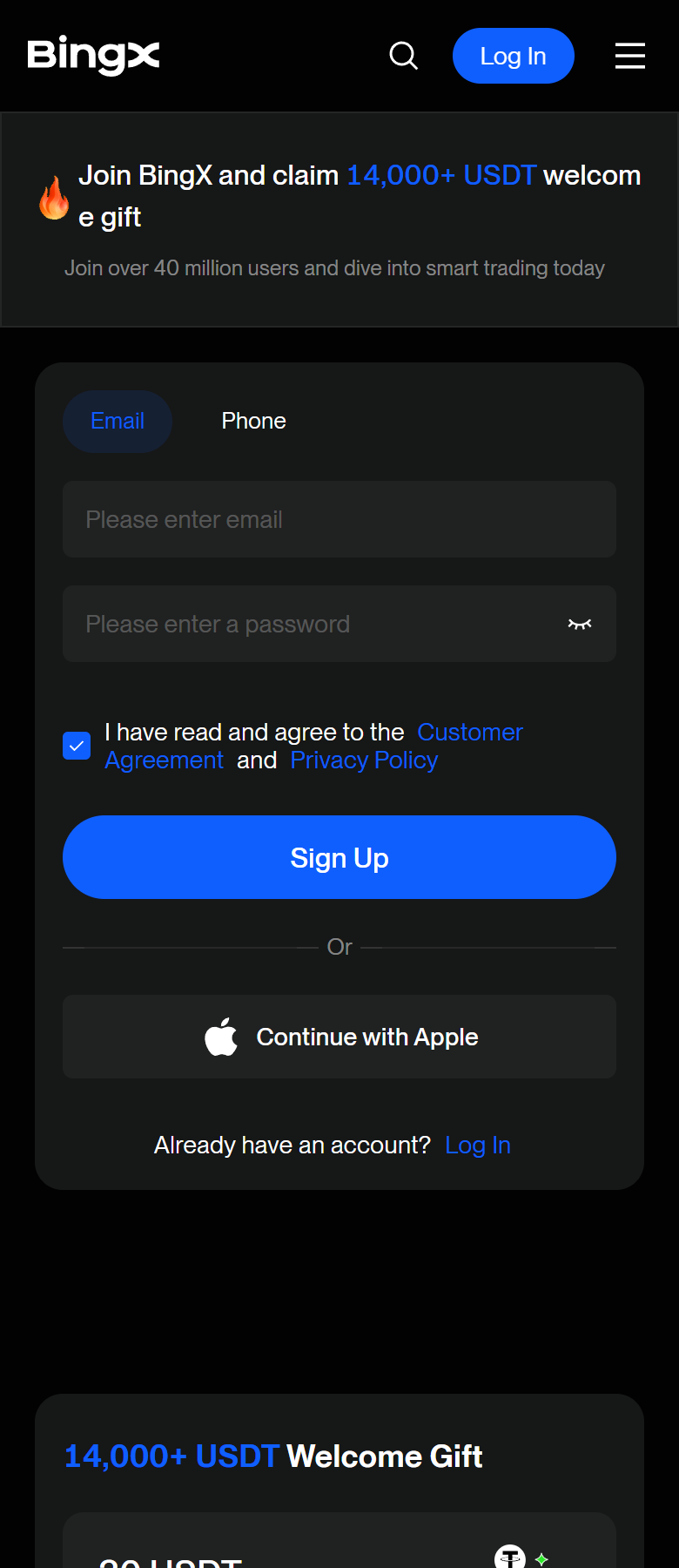
Open the sign-up page through the Blitz link, not by typing the exchange address — that is what links the account to the cashback.
One step at a time
Your account, connected to Blitz.
Menu names may differ slightly by app version.
01
Open BingX through the Blitz link
The sign-up page opens with the Blitz code applied. Choose Email or Phone, set a password, accept the agreement, tap Sign Up.
If the referral field is visible, it should read F1VJULFM.
Use an email or phone number that is not already on BingX.
02
Enter the verification code
BingX sends a 6-digit code to the email or phone you used. Enter it to finish creating the account.
03
Open Identity Verification
Tap the profile icon → "Identity Verification" → "Individual Verification". On the "Advanced Verification" card tap "Verify Now". (In the app: profile → "Verification" → "Individual Verification".)
Profile›Identity Verification›Individual Verification›Advanced Verification›Verify Now
04
Choose your document
Name and date of birth must be readable, no cropping or edits.
Select the issuing country or region and the document type, then upload the document photos.
05
Selfie / liveness check
Follow the on-screen prompts (a selfie holding the document on web, a liveness check in the app). BingX says Advanced verification usually takes about 2–10 minutes.
Check your first cashback
After your first fee-paying trade, BingX pays the cashback once a day. Look in your account's rebate / commission history. Your Telegram summary: the Blitz cashback bot's /cashback command.
No. The code links an account at sign-up. If you are already verified on BingX, use the Keep-your-KYC guide.
Do I need to deposit?
Not for cashback. A first deposit of any amount is needed only for the free indicators.
Which trades earn cashback?
Fee-paying trades on the account. Funding, spread and slippage are not fees and are not returned.
What if nothing arrives?
Check that the account was opened through the Blitz link, that the trade paid a fee, and that a day has passed. Then message support on Telegram with your exchange and UID. Never share passwords, API keys or 2FA codes.
Cashback is paid by the exchange. No deposit is required for cashback. The three TradingView indicators are a separate application (KYC + first deposit of any amount).